Standard or bespoke
Start with the standard editor, or discuss a bespoke visual design. Custom design is scoped and quoted separately.
 VAXERON
Vaxeron Wine / Wine inventory & digital lists
Digital wine list software for restaurants and hotel dining. Present your wines, bottle and by-the-glass prices in a branded guest menu, connected to the venue’s wine inventory.
Explore a 14-day free pilot. No card required. No automatic paid conversion.
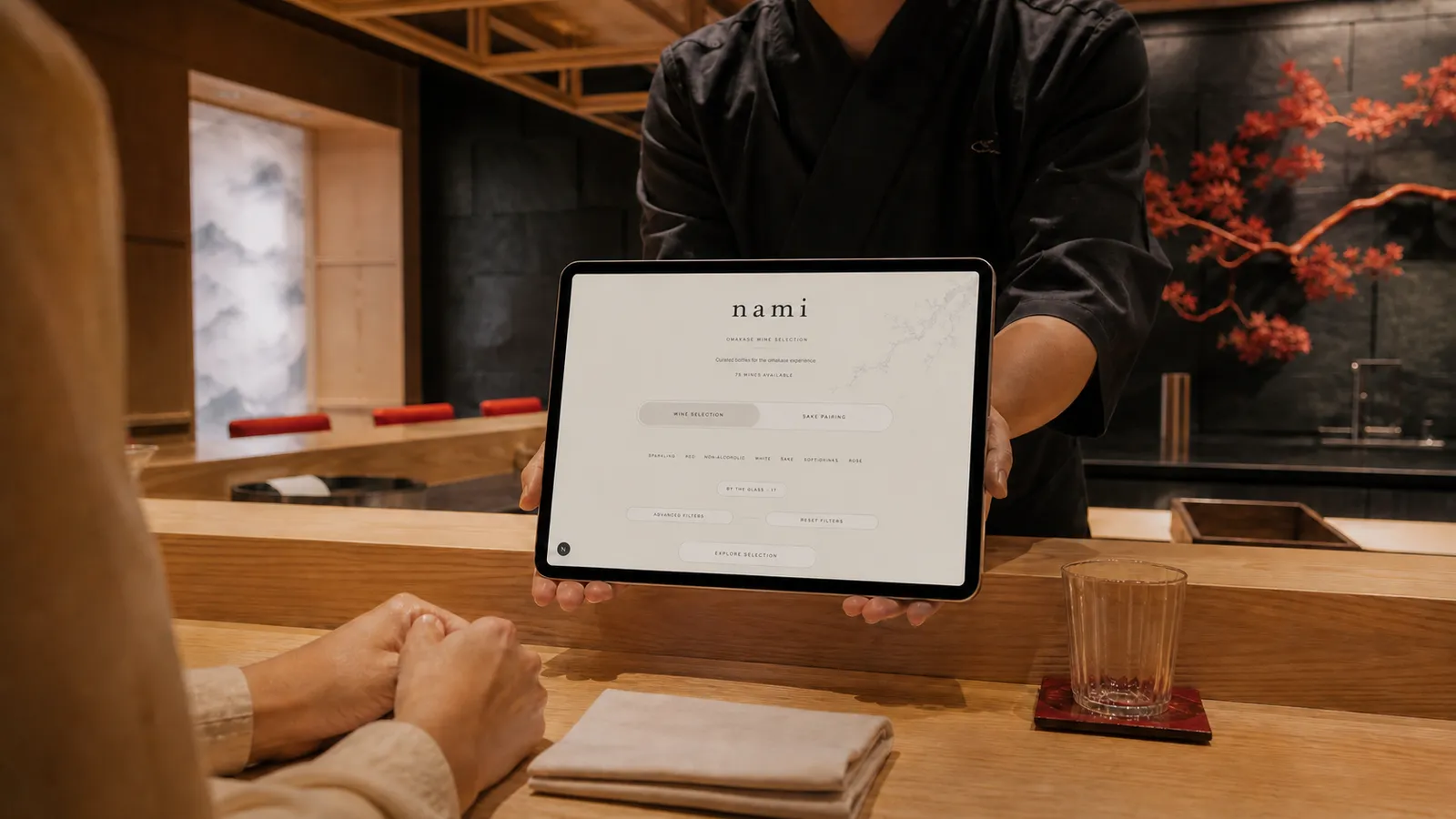
Vaxeron Wine
A static document is separate from the cellar. With Vaxeron, your team manages the venue’s selection, guest descriptions and service prices alongside its wine inventory. Published availability follows the configured stock rules; stock accuracy still depends on recording movements and keeping the source current.
Explore wine inventory managementInside the platform
Your cellar, clearly organised.
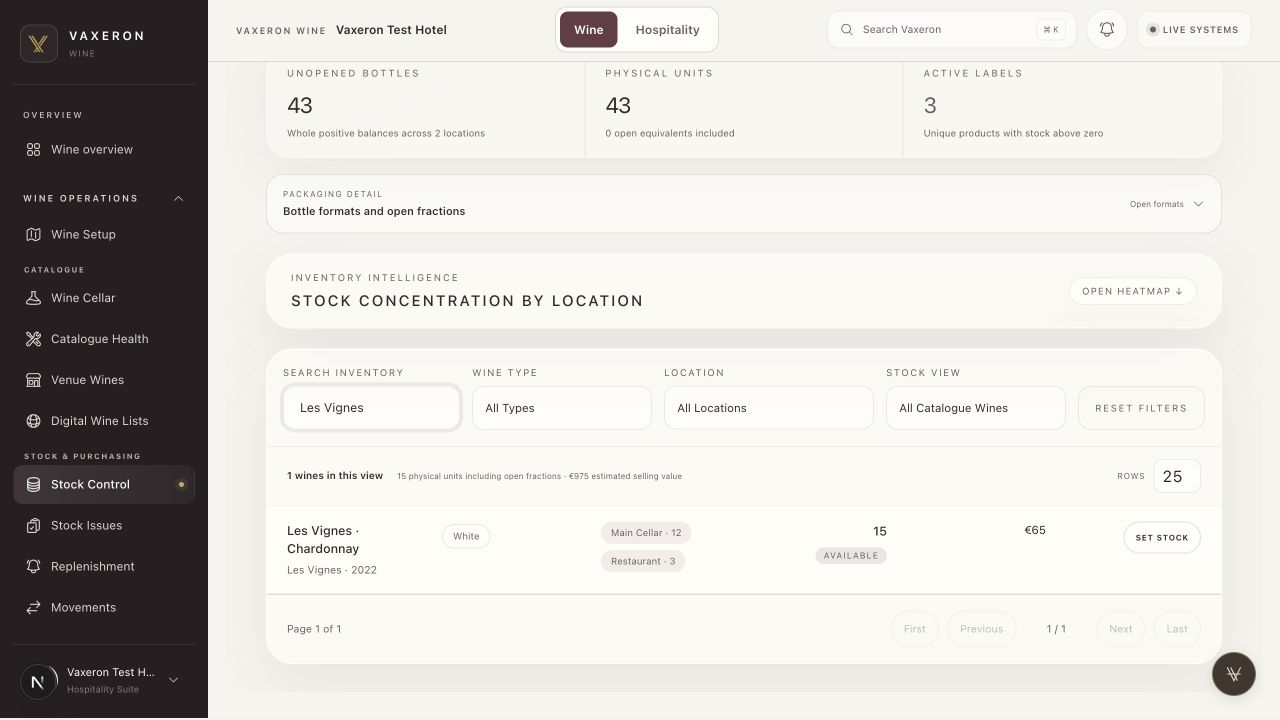
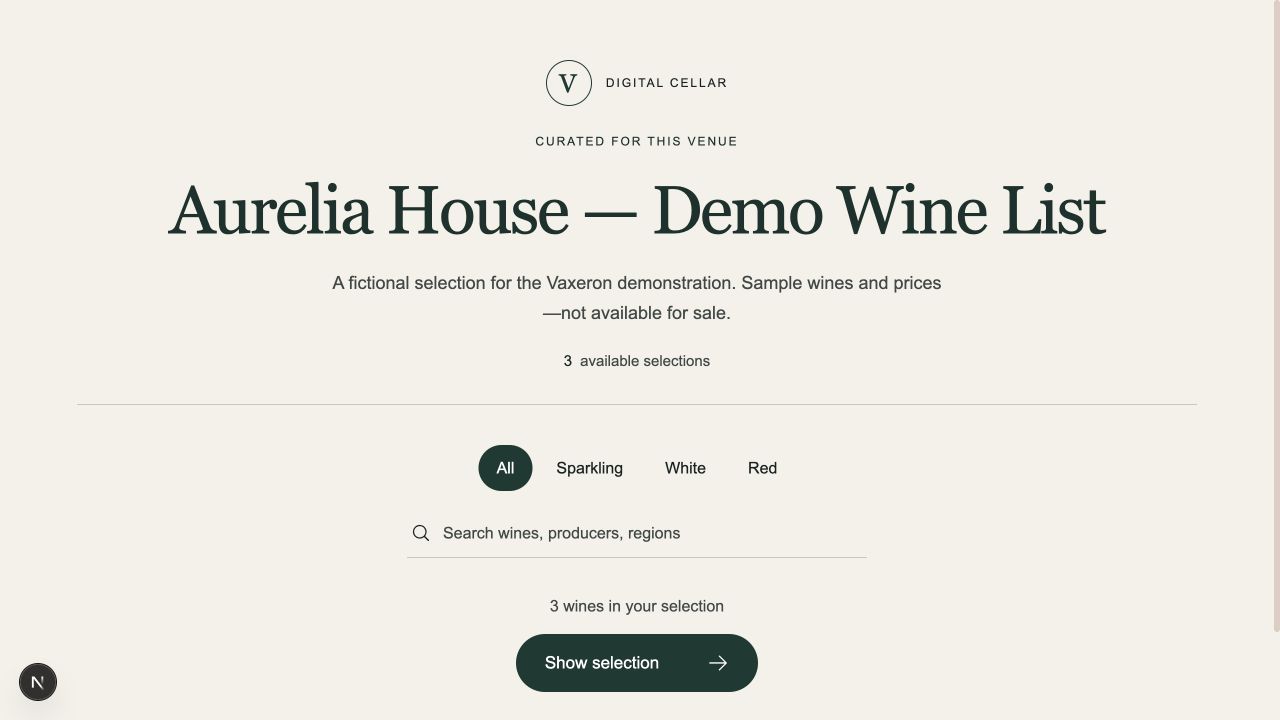
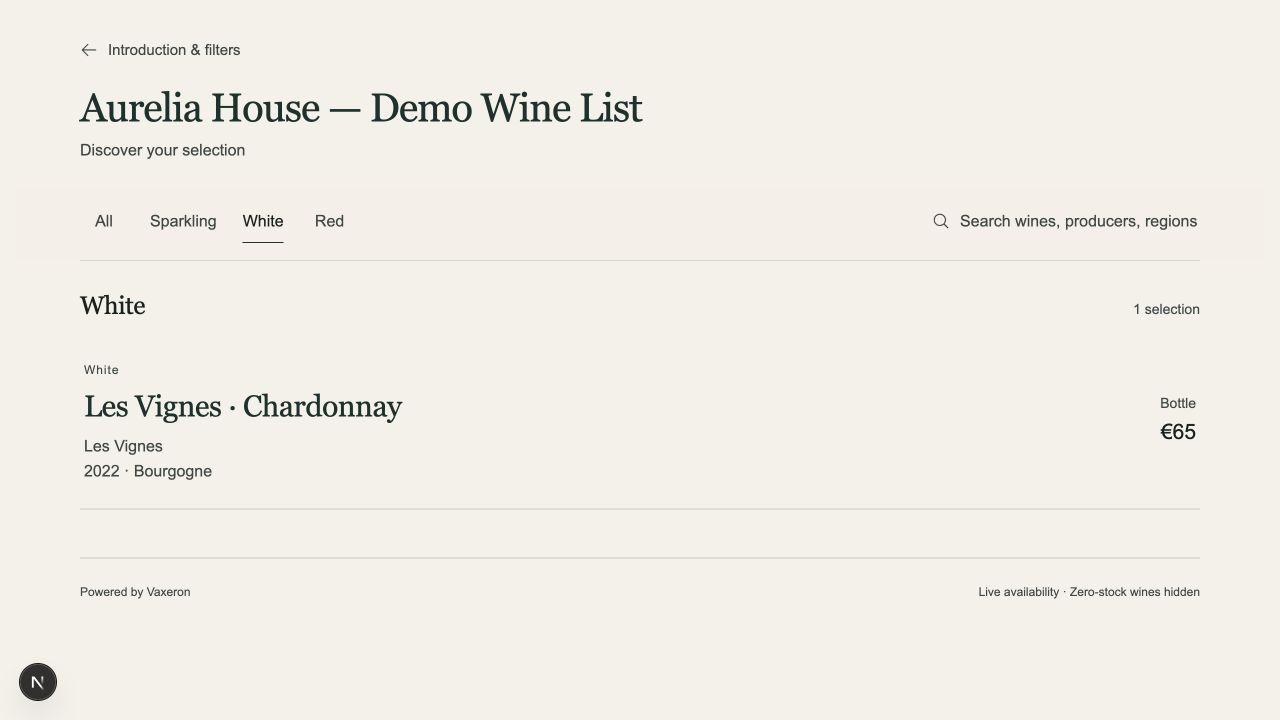
Actual Vaxeron test-workspace screenshots in English. Fictional venue, wines, quantities and prices. Hotel screens show a private draft preview.
Start with the standard editor, or discuss a bespoke visual design. Custom design is scoped and quoted separately.
See the guest list and backoffice together. Bring your current wine list if useful; no import or POS connection is needed for the introduction.
Review draft pricing, the included menu and optional extra menus. Start with a 14-day pilot; no card or automatic paid conversion.
View draft plans & menu allowancesCurate a separate selection for each venue. Keep the working catalogue in the backoffice and publish the wines intended for that restaurant’s guests.
Manage bottle and by-the-glass offerings and their prices in the venue workspace. Review the guest view before service so the published list reflects your choices.
Add guest-facing wine descriptions and choose the presentation in the standard editor. Discuss bespoke design separately if your restaurant needs a tailored experience.
Use manual stock management or a supported POS connection. Integrations are assessed individually; a digital menu is not a promise of compatibility with every POS.
Digital wine lists
Sample bottle / glass prices
Fictional wines and prices. An illustrative guest list, not a live menu.
Bring in the wines and locations your team works with.
Choose the venue’s wines, confirm bottle and glass prices, and prepare guest descriptions.
Select the venue’s wines, refine the design and publish its digital list.
The digital wine list is part of Vaxeron Wine. It is a guest presentation, not an online checkout or a wine recommendation service.
Before we meet
Yes. Guests can browse the wine list in a web browser on phones and tablets. We review device compatibility and the venue’s access method during onboarding before rollout.
Our Plans & access page shows the current draft plans, included menu allowance and optional extra menus. Start with a 14-day pilot without a card or automatic paid conversion. Bespoke design and integrations are quoted separately; confirm the agreed scope before committing.
You manage the guest selection, descriptions and service prices within the same platform as venue inventory. The published list uses configured availability rules rather than a separately uploaded document.
Choose the branding and presentation in the standard editor. For a bespoke design, send your brief to Vaxeron; we agree the design and scope with you.
Yes. Start with manual catalogue and stock management. If you want a connection, we assess your POS provider, required data and any development needed before confirming support.
Apply for a 14-day free pilot. We agree the scope together; your pilot starts when the workspace is ready. No card is required and there is no automatic paid conversion. Extensions require approval, up to 30 days in total. Existing 30-day commitments remain unchanged.
A personal introduction / Private pilot
Explore a 14-day free pilot. No card required. No automatic paid conversion.
Request a personal demoNo obligation. Scope, timing and pricing agreed before you commit.What we’ll cover